October is Cybersecurity Awareness Month. Here are the settings that stop most phone scams and thefts, and how Figgers builds privacy into its phones and its network.
By Figgers Communication Newsroom | FORT LAUDERDALE, Fla., Oct. 27, 2026
At a glance
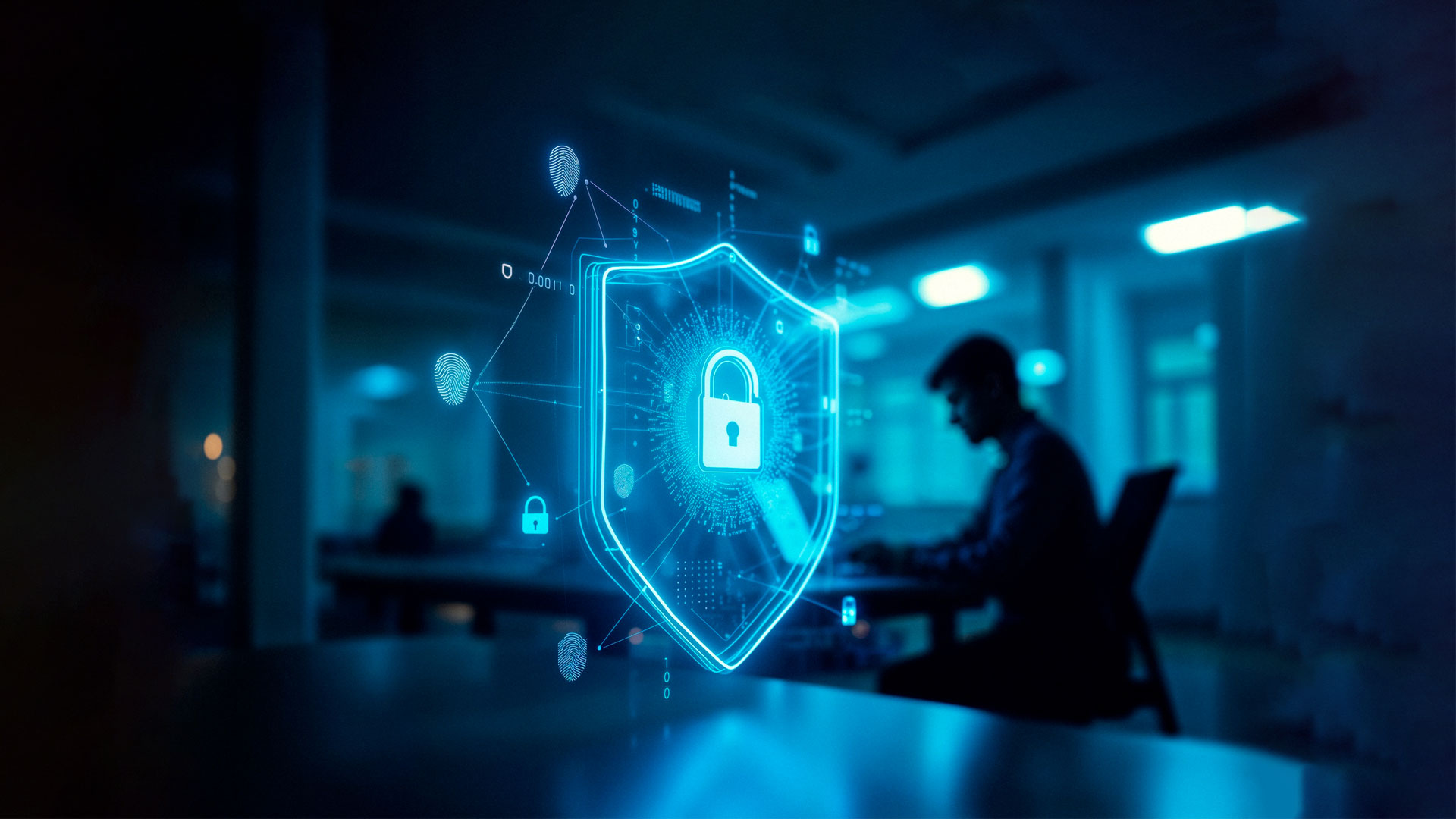
Phones hold more than wallets ever did: bank apps, email, photos and the codes that unlock every other account. October is Cybersecurity Awareness Month, and before the holiday shopping season turns up the volume on scams, Figgers Communication, Inc. has a short list of settings that close the most common doors. Each one takes a few minutes. Together they stop most of what goes wrong.
A passcode of six digits or more, with face unlock for convenience, is the single most important setting on a phone. Figgers phones such as the DragonX include face unlock and facial recognition, and because the F1 Neural Engine handles recognition on the device itself, the face data never leaves the phone.
In a SIM swap scam, a criminal convinces a carrier to move a victim's number to a phone the criminal controls, then uses it to receive the text codes that reset bank and email passwords. The defense is a number transfer PIN, which carriers issue on request and require before a number can move. Ask for one, keep it somewhere other than the phone and never give it to a caller. Figgers requires a transfer PIN from the previous carrier on every number it brings over, for exactly this reason.
Coffee shop and airport networks are easy to imitate, and a fake one can watch everything that passes through it. Every Figgers plan includes a free mobile hotspot, so a laptop or tablet can ride on the phone's own cellular connection instead. For banking, shopping and work, the hotspot is the safer network, and it costs nothing extra.
Most attacks on phones use holes the manufacturer has already fixed. Automatic updates install those fixes without anyone having to remember. On Figgers phones, SecureOS adds real time threat detection that uses predictive behavioral analysis to spot unusual activity, block unauthorized access and help prevent data theft.
Two factor authentication asks for a code or a tap on the phone in addition to a password, so a stolen password alone is not enough. Turn it on for email first, because email resets everything else, then banking, then social accounts. Where a service offers an authenticator app instead of a text code, choose the app. It cannot be intercepted by a SIM swap.
Go through app permissions once a season and turn off location, microphone and contacts access for any app that does not need them to work. A flashlight app does not need your contacts. On Figgers phones, features that other devices send to the cloud, including voice commands, photo organization and spam call detection, run on the device. That is the privacy first design Figgers applies across its products: devices built to serve customers, not to harvest their data.
Security does not stop at the phone. Every Figgers plan includes a spam blocker that keeps unsolicited calls from reaching customers, and Figgers support is available 24/7 by phone, text, chat and email if something looks wrong on an account. A customer who suspects a SIM swap or an account takeover should call 1-800-223-5435 right away.
What is the most important setting if I only do one?
The screen lock. A phone with no passcode gives a thief every app on it.
Do I need antivirus software on my phone?
Keeping the operating system updated, installing apps only from the official store and reviewing permissions does more than most antivirus apps. Figgers phones add SecureOS threat detection on top.
My phone suddenly lost service for no reason. What should I do?
That can be a sign of a SIM swap. Call your carrier from another phone immediately. Figgers customers can call 1-800-223-5435 at any hour.
See how Figgers builds privacy into every phone at figgers.com/dragon-x, or call 1-800-223-5435
Figgers Communication, Inc. is an American telecommunications company and device manufacturer headquartered in Fort Lauderdale, Florida. Founded by inventor and entrepreneur Freddie Figgers, the company designs and builds its own smartphones, tablets, laptops, desktops, modems and accessories and operates nationwide 4G LTE and 5G wireless service with no annual contracts. Since its incorporation in 2008, Figgers has built more than 8 million devices and served more than 700,000 subscribers across North America and abroad. Every Figgers plan is backed by 24/7 customer support by phone, text, chat and email. Learn more at www.figgers.com.
Figgers Communication, Inc. | 1-800-223-5435 | Customer.Service@Figgers.com | www.figgers.com
451 North State Road 7, Fort Lauderdale, Florida 33317